

A thumbstick can report a changing value between roughly -1 and 1, while a button is closer to a simple pressed-or-released state. Both may control the same mobile game, but the signals reaching the software are fundamentally different.
A phone can also host a native game alongside 1xbet canada apk, yet touch inside those products does not have to be interpreted in the same way. Some controls imitate a physical gamepad. Others track several fingers independently or turn movement of the device itself into input. The screen may be shared hardware; the control logic underneath it is not.
Virtual controls can imitate a physical gamepad
An on-screen stick does more than draw a circle beneath a thumb. Mobile controller systems can expose virtual buttons and directional pads through structures related to those used for physical controllers.
Virtual thumbsticks work on the same broad principle. Their position changes continuously as the finger moves, producing directional information rather than a single tap.
Touch controls can also include elements closer to a touchpad or throttle. The important distinction is that the game does not have to treat every point on the glass as a generic screen press. A virtual controller can translate those touches into familiar gamepad-style input.
Multi-touch keeps several fingers as separate inputs
Multi-touch introduces another layer because the screen may need to follow several contacts at once.
Android distinguishes the first finger touching the display from additional pointers. Movement events can then carry information about more than one active pointer, while a separate event records when one of those extra contacts leaves the screen.
That separation makes a common mobile control scheme possible: one thumb can maintain movement while another operates an action area.
The main signal types differ substantially:
| Input | Example signal |
| Button | Pressed or released |
| Analog stick | Approximately -1 to 1 |
| Trigger | Approximately 0 to 1 |
| Multi-touch | Several tracked pointers |
| Motion | Rotation or acceleration |
| Casino touch control | Discrete interface selection |
The screen itself is only the surface. What matters is the type of data produced underneath.
Physical controllers combine buttons with analog axes
A physical controller mixes discrete and continuous inputs.
Face buttons can be represented as key events. A press changes state, and releasing the button changes it again.
Analog sticks work differently. Their axes can report changing values across a range, commonly running from about -1 to 1. Analog triggers can use a range closer to 0 through 1.
That difference lets a game distinguish between pressing an action button and gradually moving a stick away from its centre point.
Separate axis identifiers can also distinguish the left stick from the right one. Two pieces of hardware that both move under a thumb therefore remain separate input channels to the game.
Motion sensors turn device movement into input
Not every control needs a visible button.
Motion systems can provide information about orientation or rotation. Acceleration can also become part of the control data sent to a game.
Rotation may be represented across x, y and z axes, allowing software to respond differently depending on how the device moves through space.
That is why tilting a phone can steer, aim or influence another game action without adding another virtual stick to the display. The movement of the handset itself becomes the controller input.
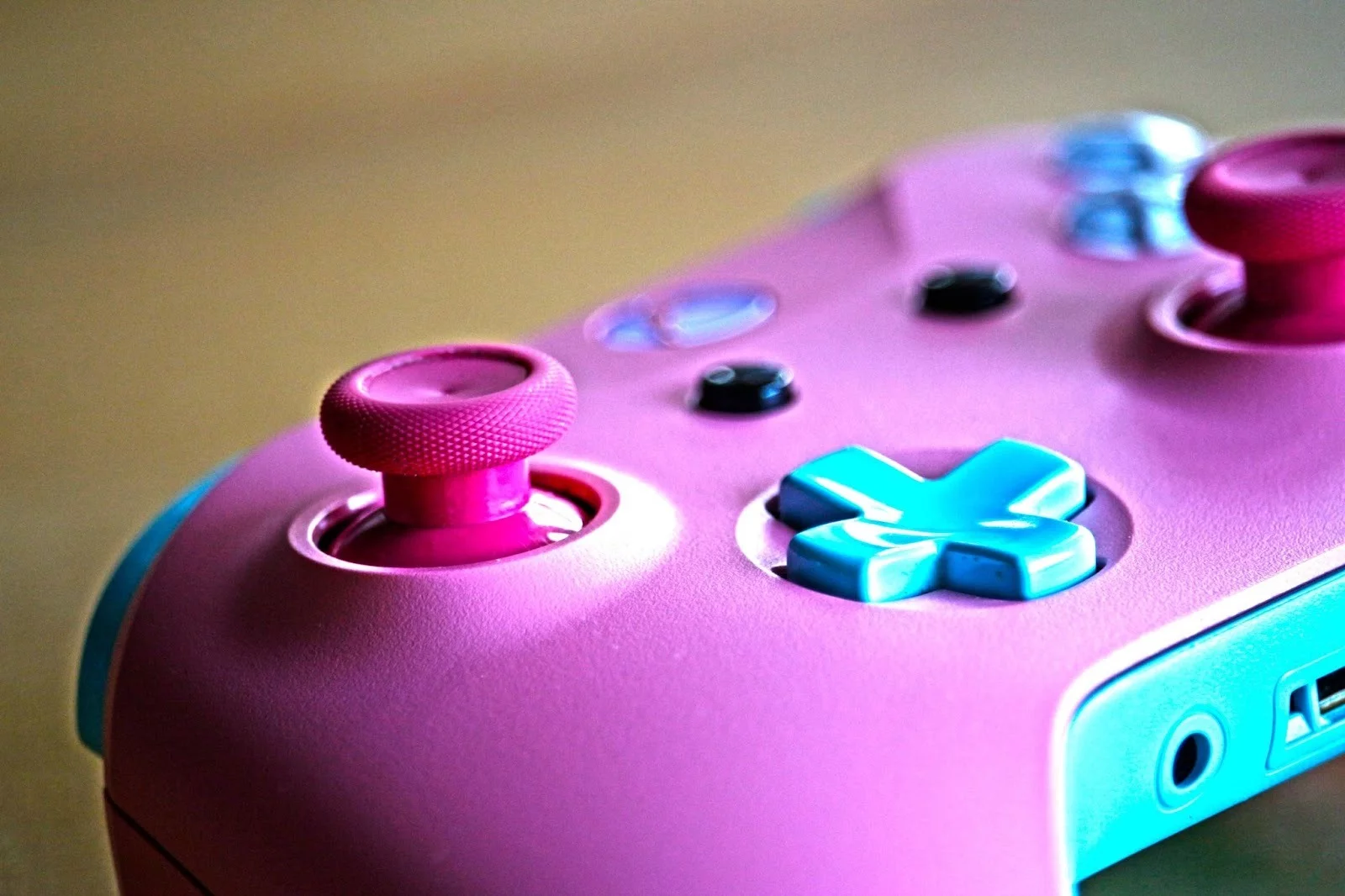
Casino interfaces can use discrete touch input differently
Casino games on a smartphone often need a different kind of input from movement-heavy mobile titles.
A virtual thumbstick changes continuously while it is being moved. A casino control can instead respond to a discrete tap, where one touch corresponds to one interface selection.
Within the same mobile service, 1xbet register can form part of the account-access flow before casino controls are used through simple tap-based input. The touch event records the selected control; the game logic that produces the eventual result remains a separate process.
That distinction matters technically because a tap does not behave like an analog axis. It communicates a specific selection rather than a changing direction or pressure value.
Controller remapping separates the label from the action
A physical button does not always have to keep its original logical role.
Controller systems can support remapping, which changes the action associated with a particular physical input. The label printed on the controller may stay the same while the game receives that control under a different assignment.
Common controller profiles can also expose triggers and directional controls through related software structures even when the hardware comes from different families.
That makes remapping the final useful contrast. A button can remain physically identical while its logical meaning changes, just as a touchscreen can resemble a controller without producing exactly the same raw signal.
Across mobile games, the visible control is only half the story. The more revealing distinction is whether the software receives a binary state, a continuous axis or a separately tracked touch event, because those signals determine what the game can do with the input that follows.
